Status: Work in progress. This page describes the goal and approach; it will be updated as work is verified.
Engineering context
A large share of documentation effort is repetitive: similar sections, schedules and sheet set-ups produced again for every element type and every revision.
Challenge
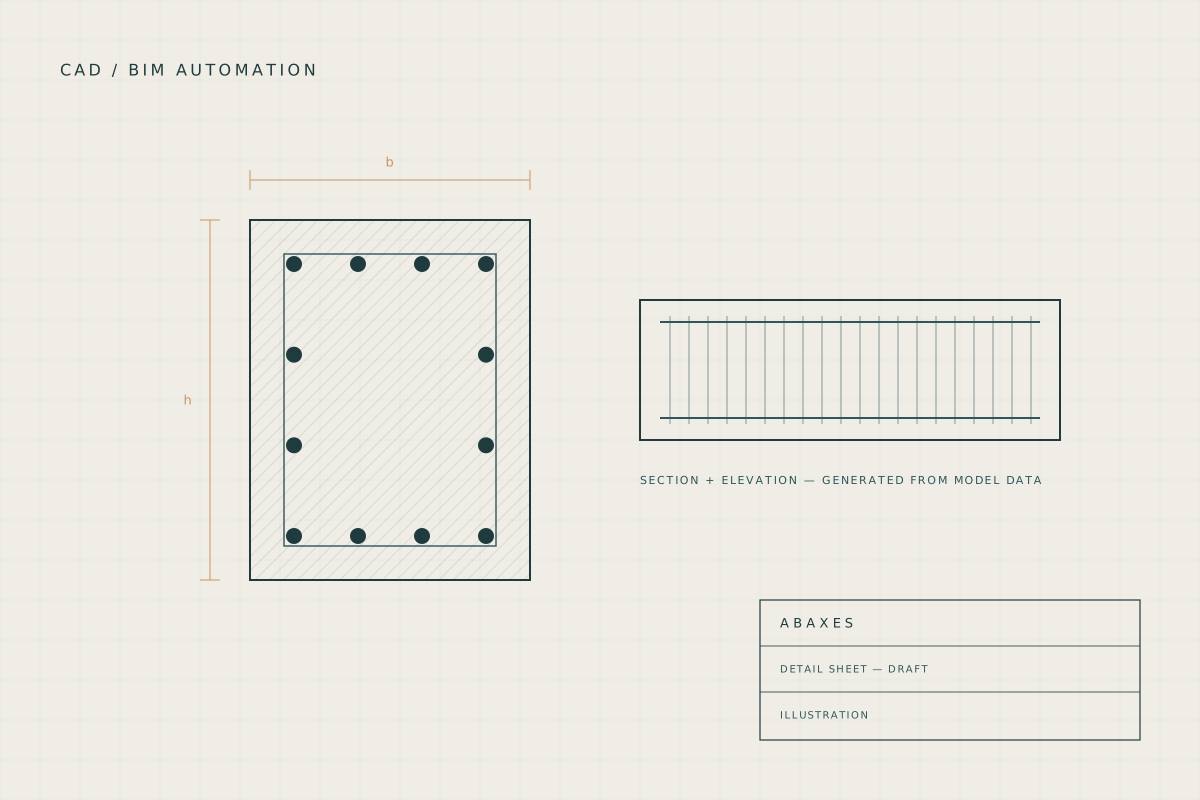
Generate this content from the data that already exists in the model, so drawings stay consistent with the model as it changes.
Workflow
- Read element and reinforcement data from the model.
- Apply consistent drafting rules to produce sections, details and schedules.
- Place results on sheets using standard naming and layouts.
- Review generated sheets before issue.
Automation created
Drawing and scheduling routines are being built and tested. Examples will be added as they are completed.
Tools used
- Revit
- AutoCAD
- Python
Outcome
Work in progress. Examples will be published once they are complete and checked.
Limitations and scope
Generated drawings still require checking and approval by the responsible engineer before issue.